
PHP's Critical CVE-2026-109618: What We Did the Day It Dropped, and What You Should Check
TrustByte Team
October 27, 2026
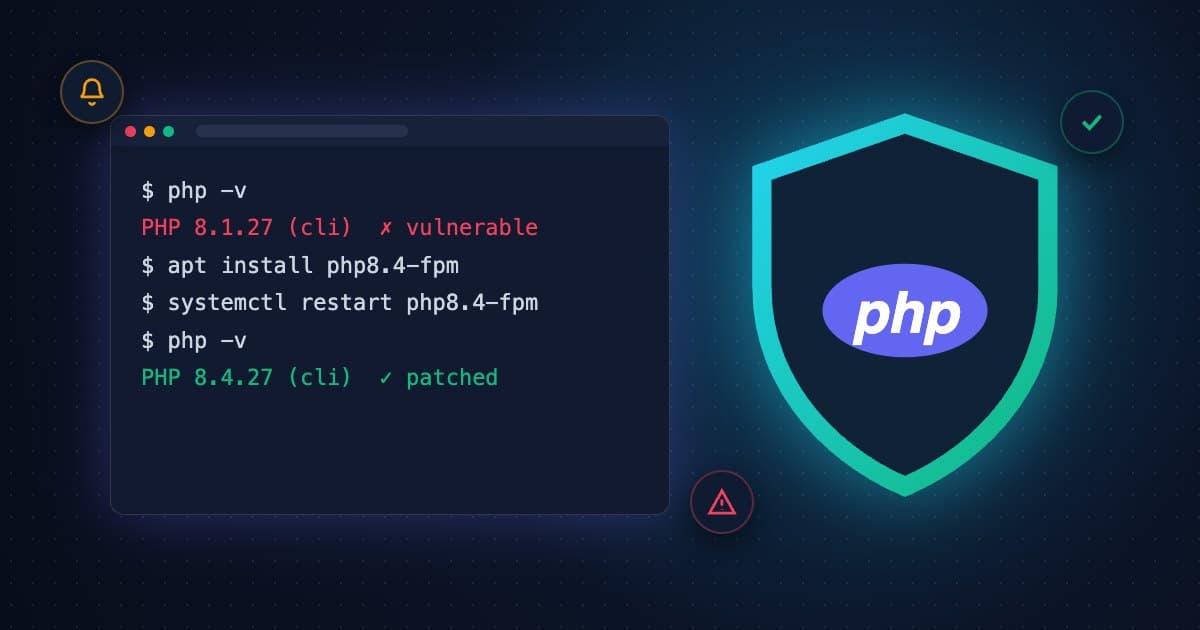
On 21 October 2026 the PHP project shipped an emergency security release. It fixed two critical vulnerabilities, CVE-2026-109618 and CVE-2026-109619, which can let an attacker run their own code on a web server with no login at all. Both are rated 9.2 (critical). Every PHP version from 5.4 up to 8.5.11 was affected.
PHP runs a huge share of the web, including WordPress, Laravel apps, most shared hosting and a lot of the business websites in Bangladesh. When a hole like this opens, attackers start scanning within hours. So we didn't wait for clients to ask. Here's what we did, in order, and what it means if you run a website.
What exactly was the PHP vulnerability?
Both flaws are in the core PHP runtime, not in WordPress or a plugin. According to Google Cloud's analysis, one comes from how PHP handles running out of memory in the middle of a request, and the other from request data that survives after its memory has been freed. An attacker can trigger them with specially built HTTP requests, such as oversized uploads, and end up running code on the server.
PHP's own release notes were blunt: "There are no complete mitigations, updating is the only safe choice."
- Fixed versions: PHP 8.5.12, 8.4.27, 8.3.36 and 8.2.35
- No fix at all: PHP 8.1 and older are end-of-life, so those sites have to move to 8.2 or newer
What did we do when the advisory came out?
We treated it as an incident, not a newsletter item.
- We told everyone the same day. That meant every ongoing client and every past client whose site we built or still host, plus the businesses we were still in talks with. We didn't wait to find out first whether they were "our" responsibility. Even a lead who hasn't signed anything should know their site is exposed.
- We checked every PHP version we're responsible for. We listed each server and site, its PHP version, and whether it was managed by us, by a hosting company or by the client.
- We patched and restarted. We upgraded PHP to the fixed build and then restarted PHP-FPM and the web server. That step matters because, as Google notes, a package upgrade on disk leaves the old vulnerable code running in memory until the workers restart.
- We moved old sites off dead PHP versions. Any site still on PHP 8.1 or older won't get a fix, so we upgraded it to a supported version and tested the site afterwards so nothing broke.
- We updated WordPress core, themes and plugins while we were in there. To be clear, updating WordPress does not fix a PHP flaw. But a site with an exposed PHP version is often carrying old plugins too, and we weren't going to patch one door and leave the next one open.
- We hardened what we could. On servers that had to wait for a hosting provider, we applied the interim settings from the advisories, such as turning off session upload progress and tightening upload and input limits, until the patched build landed.
- We confirmed and reported back. Each client got a short note listing their PHP version before and after, what we updated, and anything left for their host to do.
Why contact past clients and leads too?
Because a website doesn't stop being vulnerable when the invoice is paid. Many of the sites we built years ago are still running exactly as we handed them over, and their owners have no reason to follow PHP release notes. If we know about a critical hole in something we built, staying quiet isn't an option.
The same goes for leads. A business that talked to us last month about a new website is still running its old one today. Telling them costs us a phone call. Not telling them could cost them their customer data.
We wrote earlier this month about the security holes we keep finding in business websites. Outdated server software was near the top of that list, and this is that problem, live.
Is my website affected by CVE-2026-109618?
If your site runs on PHP, which includes every WordPress site, assume yes until you've checked. Here's how:
- WordPress: go to Tools → Site Health → Info → Server and look at the PHP version
- cPanel or other hosting: look for "Select PHP Version" or "MultiPHP Manager"
- Your own server: run
php -v, and remember to restart PHP-FPM or Apache after upgrading
If the version is lower than 8.2.35, 8.3.36, 8.4.27 or 8.5.12 on its branch, you need to act. If it starts with 7 or 8.0/8.1, there will be no patch, so you need an upgrade.
What does proactive maintenance actually look like?
Most of the time it looks like nothing. Your site keeps loading, orders keep coming in, and you never hear the word "CVE." The work happens before you'd notice the problem.
That's what we mean by taking care of clients. We're a software company based in Saidpur, working with businesses across Rangpur division, the rest of Bangladesh and abroad. If you're not sure whether your site has been patched, ask us. We'll check it for free and tell you honestly what we find.