Autoroutine: How a 160-Teacher School in Saidpur Handles Routines and Substitutes Automatically
TrustByte Team
September 22, 2026
It's 7 am. A teacher calls in sick. Somebody in the school office now has 45 minutes to work out who is free for periods 2, 3 and 5, check that each person can actually teach that class and version, and phone them before the bell. If they get it wrong, a class of forty sits without a teacher.
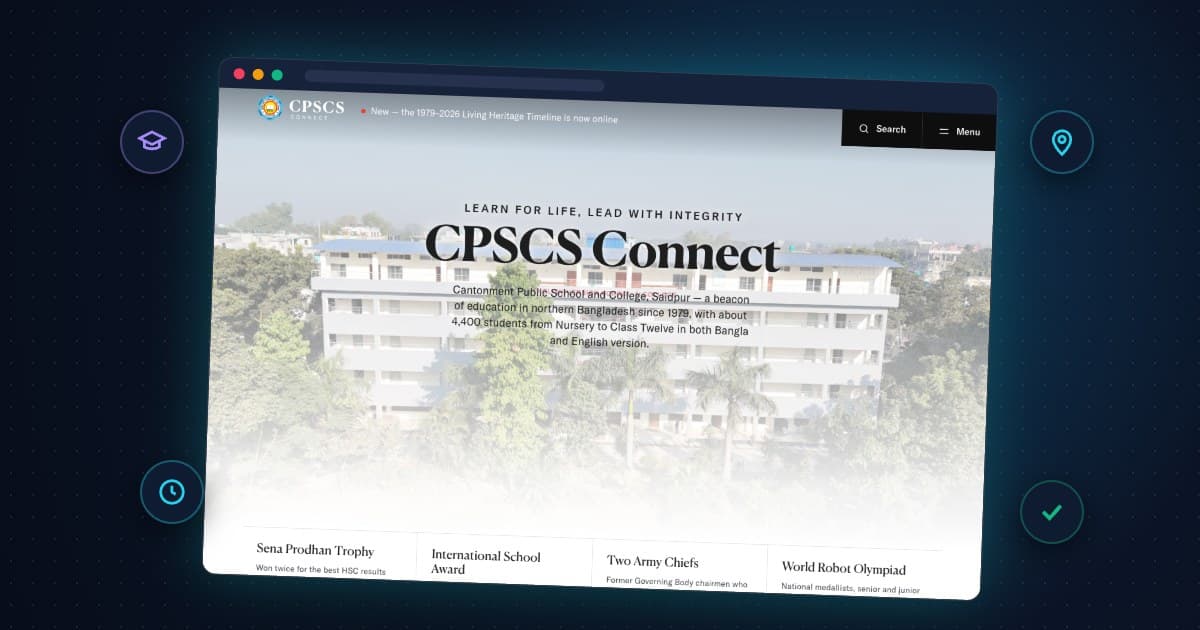
Every school office in Bangladesh knows that morning. At Cantonment Public School & College, Saidpur, it's now handled by software. Autoroutine, which we built, is in daily use there, running one routine for more than 160 teachers.
What is Autoroutine?
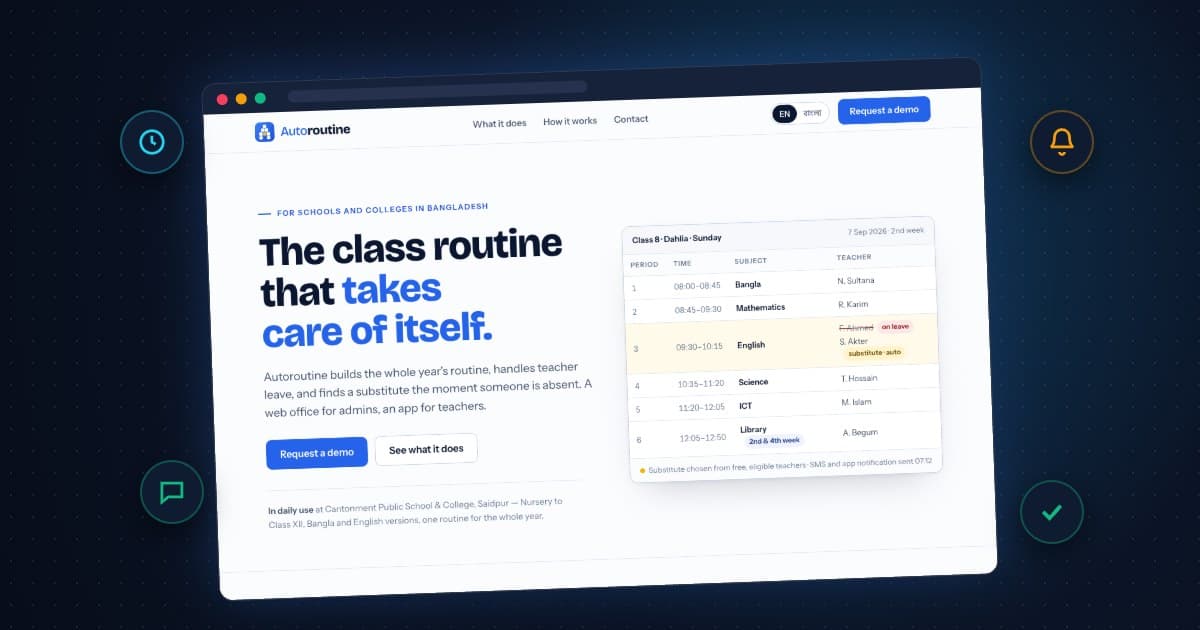
Autoroutine builds a school's whole-year class routine, handles teacher leave, and assigns a substitute the moment someone is absent. Admins use a web office. Teachers use their phones.
Why is a school routine so hard to make?
Because real schools are complicated. CPSCS runs Nursery to Class XII with Bangla and English versions, so the routine has to handle all of this:
- Subject quotas that differ by term
- Teachers who are eligible for some levels and versions but not others
- Periods that happen weekly, on alternate weeks or monthly, such as library in the 2nd and 4th week
- Sections that rotate on a schedule
- College practical periods
- Parallel classes that share teachers or rooms
Doing this by hand on chart paper or in Excel takes weeks. Every leave request undoes part of it.
How does Autoroutine assign substitute teachers?
- The teacher applies for leave from their phone.
- The right approver, whether a coordinator or a vice-principal, taps once to approve.
- For every affected period, Autoroutine finds a teacher who is free and eligible for that class and assigns them.
- Both teachers get an SMS and an app notification, often before the first bell.
The office sees the whole day at a glance: who's on leave, who's covering, and which periods are done. If a double-booking does happen, the system names it and resolves it instead of hiding it.
What else does it do?
- One-click yearly routine built on the academic calendar, then fine-tuned by drag and drop
- Print-ready routines: one class per A4 page with the school crest, plus teacher-wise sheets
- A read-only public link so parents and students can check the routine
- Access by level: coordinators see their level and VPs see theirs, with an audit log of every change
- Bangla SMS with per-school templates, a delivery log and cost tracking
- A teacher app for Android (coming next): each teacher's own day, week and month, leave status and lesson plans
What difference does it make?
A teacher on leave no longer has to find their own replacement. A substitute isn't surprised at the classroom door. The office starts the day knowing every period is covered instead of spending the first hour on the phone. That's time handed back to teaching.
How long does it take a school to start?
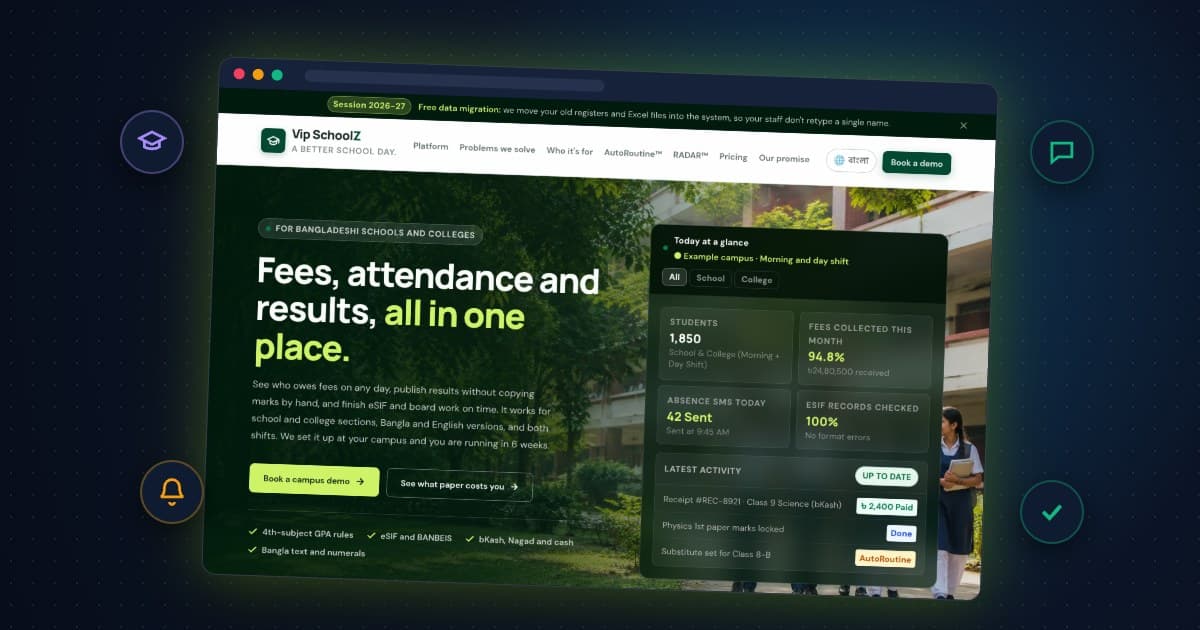
Most schools are live within a week. Set up classes, sections, subjects, periods and teachers, or give us your current routine sheet and we'll import it cell by cell and check it against the generated one. Autoroutine also works alongside Schoolz VIP, our full school management system for fees, attendance and results.
Where can I see it?
Visit autoroutine.org to request a demo with your own classes and teachers. We're a software company based in Saidpur working with schools across Rangpur division, and you can always contact us directly.